Recall the rule
Flip a flashcard, check the explanation, then choose Again, Hard, or Got it. Spaced review helps you return to material that needs another look.

Bring your EA exam practice along. Review flashcards, play a Daily Rally, and learn from the explanation, then see your progress with your eaexam.co account.
Our companion app for iPhone, iPad, and Android is being prepared for a US launch.
Downloads are not available yet. The direct store links will appear here when each app launches.
Try free web practice today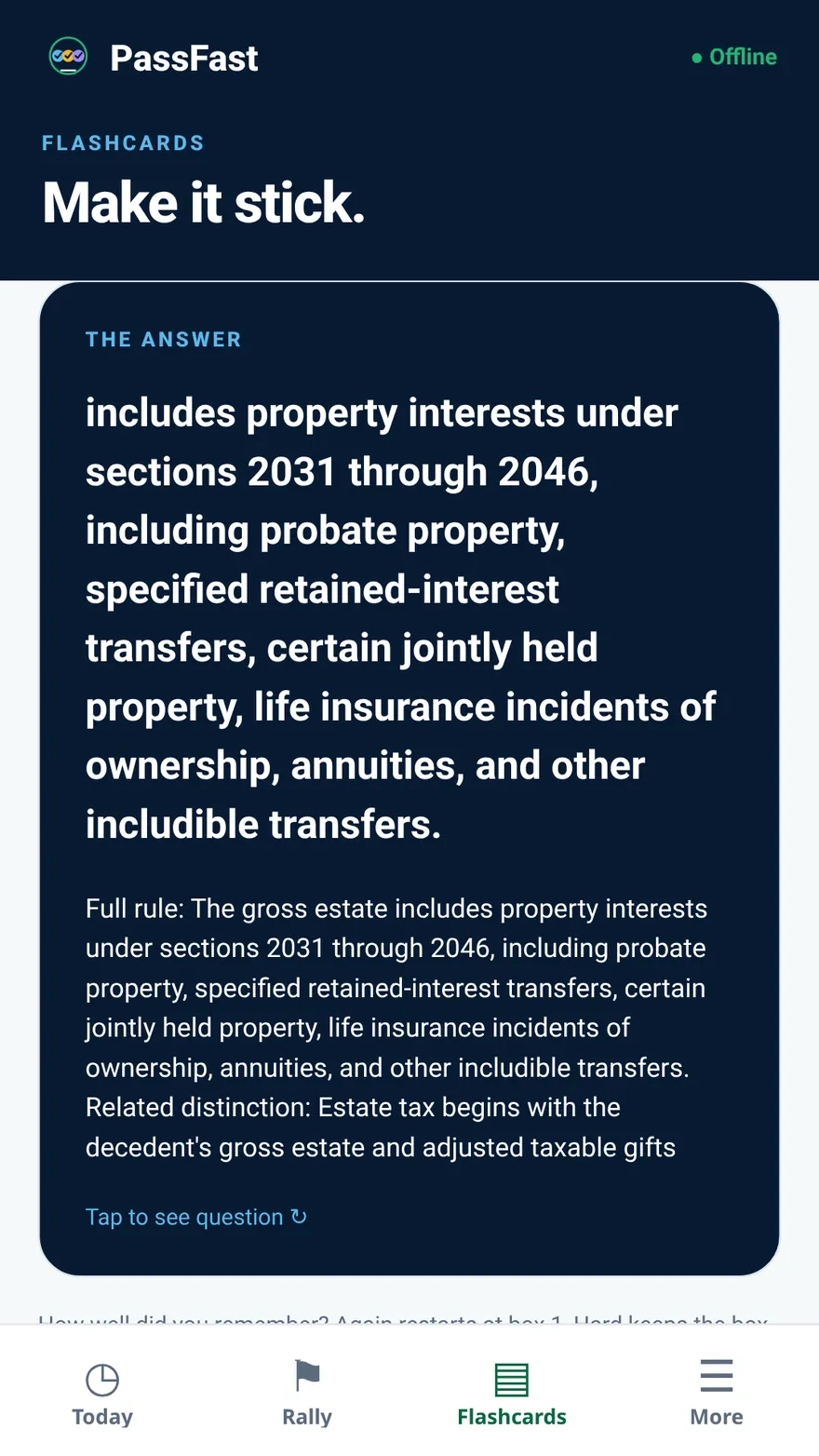
Flip a flashcard, check the explanation, then choose Again, Hard, or Got it. Spaced review helps you return to material that needs another look.
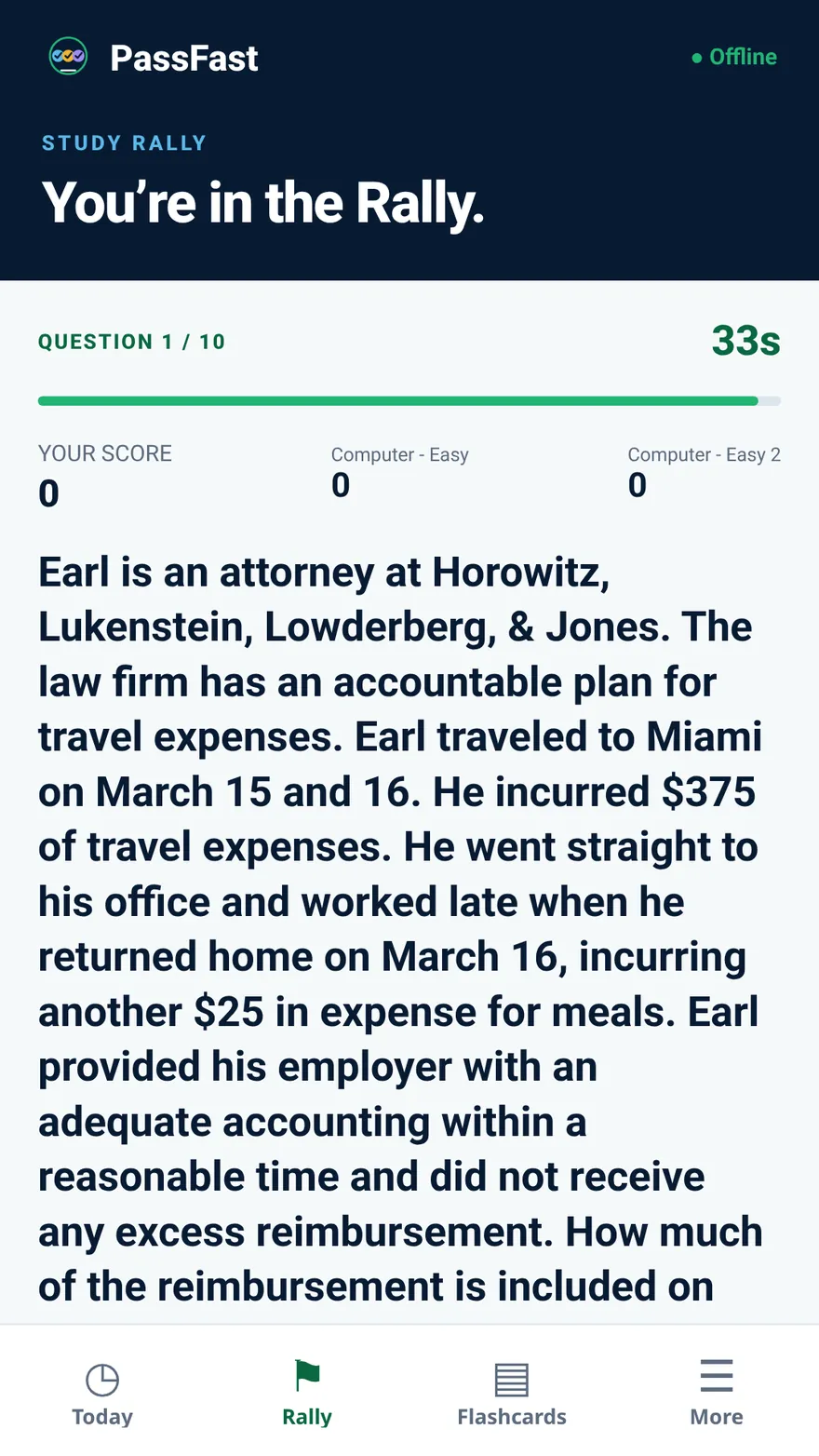
Answer ten questions against computer opponents. Get feedback after each answer, build your streak, and use the results to guide your next practice.
Sign in with your eaexam.co account. Your reviews and Rally results are saved to that account, so your practice is in one place.
Try free samples before choosing the full app.
Pay once · no subscription
Planned US launch offer. The store purchase screen will show the price before you buy.
The planned offer includes one credit with a verified app purchase, toward a new eligible eaexam.co plan. It expires 12 months after the app purchase and cannot be used for upgrades. A store refund deactivates an unused credit.
The companion app unlock and full web study plans are separate purchases.
Explore web study plansFlashcards and Rally for the moments between longer study sessions.
Not yet. The iOS and Android apps are being prepared for a US launch. This page will link to each store listing once it is live. You can try free practice on the web today.
This is a flashcards and single-player Rally companion. Full web study plans, practice exams, and other web tools are separate.
Yes. The apps use the same account as app.eaexam.co. You sign in (or create a free account) on the secure eaexam.co sign-in page, and your flashcard reviews and Rally results are saved to that account.
Yes. Studying in the app needs an eaexam.co account and an internet connection, because each review and Rally result is checked and saved to your account as you go. Purchases and restoring a purchase also need a connection.
Restore Purchases is included on the unlock screen and in More. Use the Apple or Google store account that made the purchase.
Email [email protected] from your account email, or use Delete your account in More in the app. Read how account deletion works.
Try our free web samples today, then pick up where you left off in the app when it launches.
Try free EA practice