Study mode

Free practice

Free practice starts on the public part pages, then a part chooser. Enter your email on a part page, or choose a part on the chooser.

What the screen shows

  1. Open free practice.
  2. Open Part 1, Part 2, or Part 3.
  3. On a part page, enter your email to start. On the part chooser, choose Part 1, Part 2, or Part 3.

Open free practice Open the part chooser
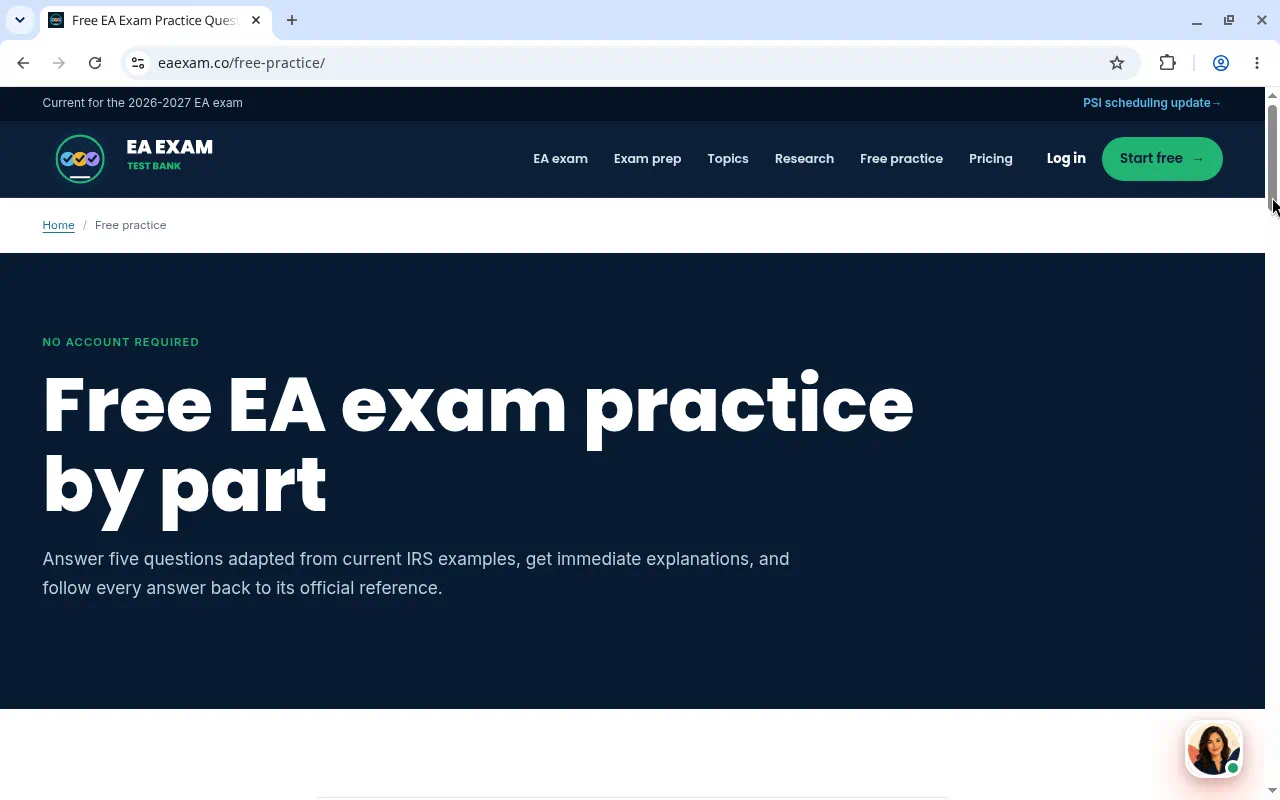
Free practice page for choosing an exam part, before any question.
Free practice, before a part page.
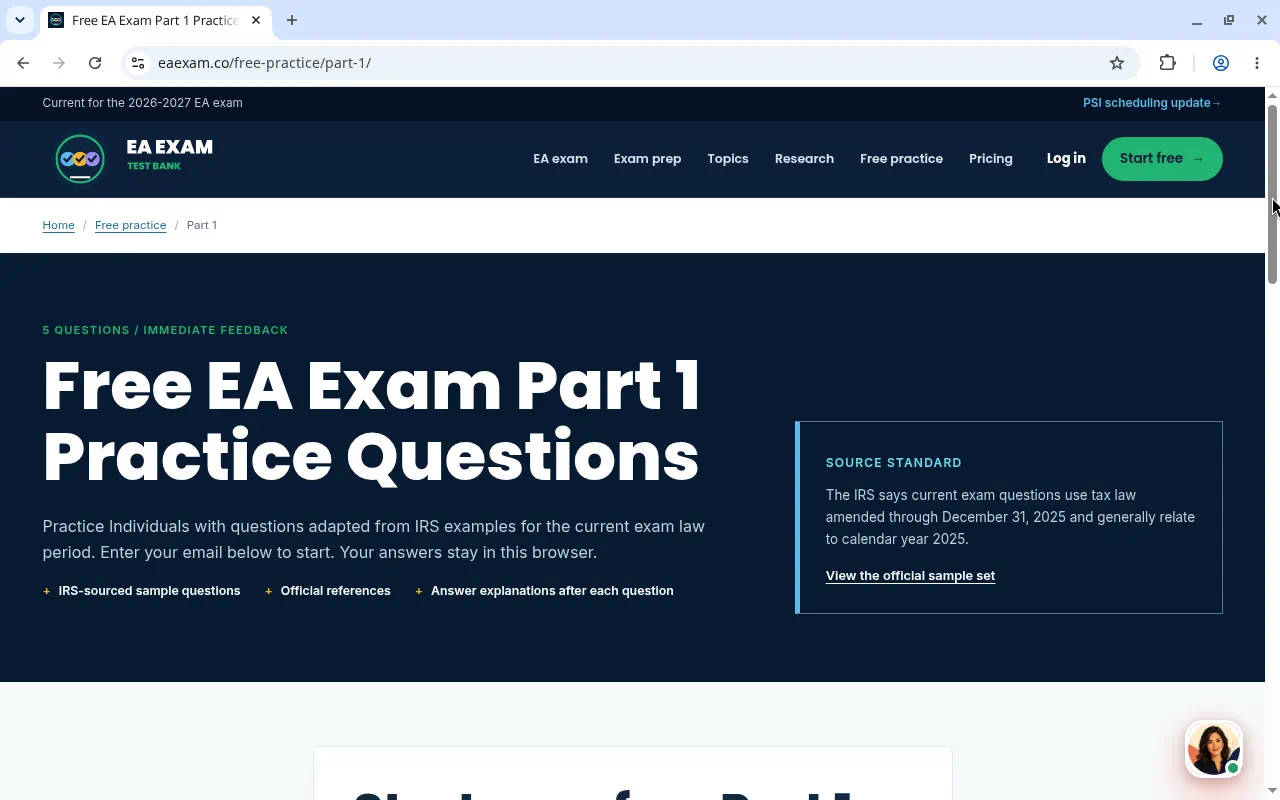
Free Part 1 practice entry page with an email field to start.
Part 1 entry. Enter your email on this page to start.
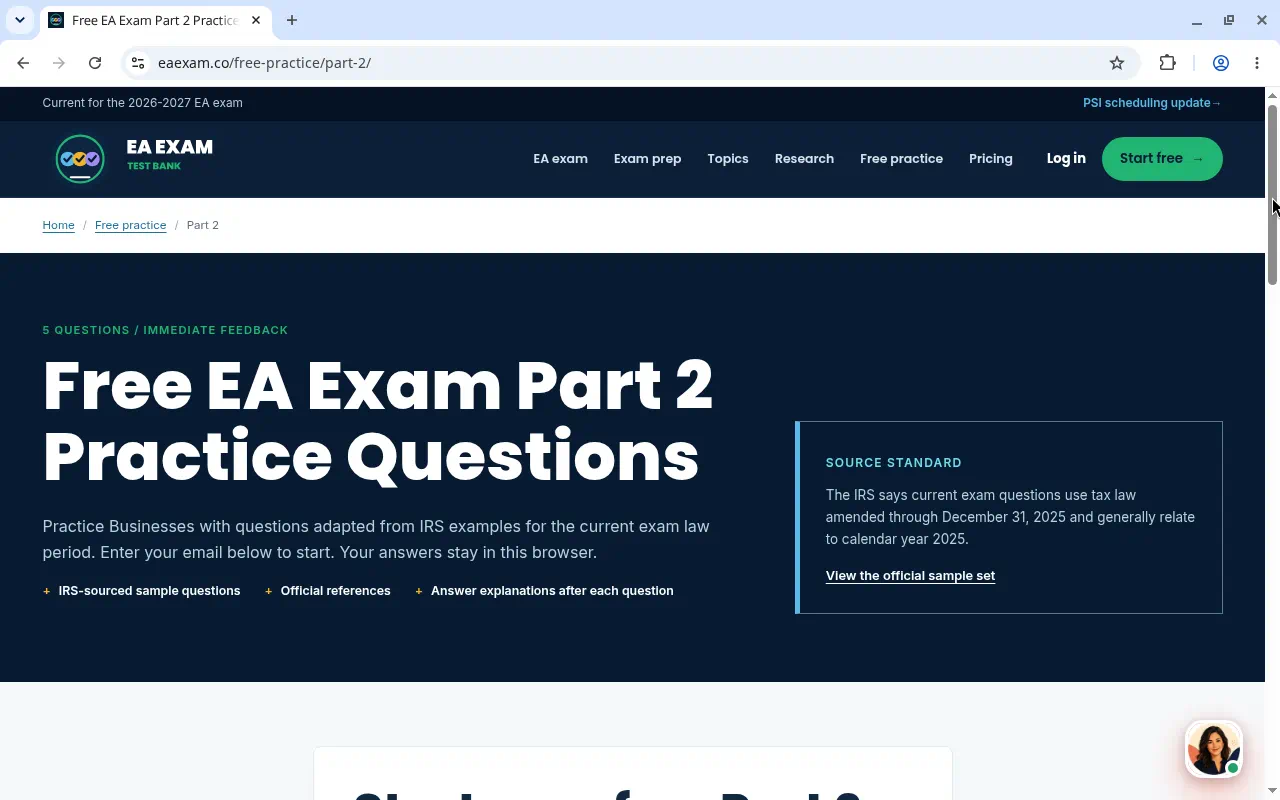
Free Part 2 practice entry page with an email field to start.
Part 2 entry. Enter your email on this page to start.
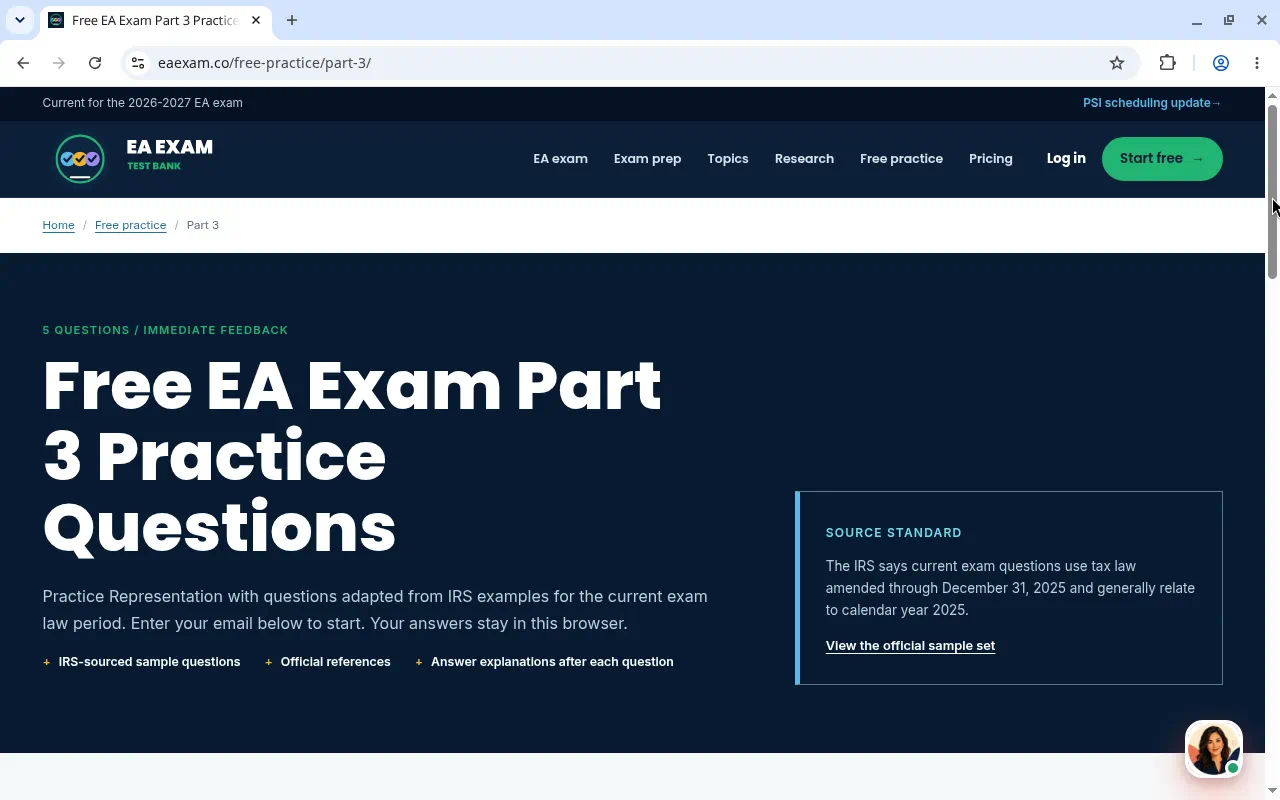
Free Part 3 practice entry page with an email field to start.
Part 3 entry. Enter your email on this page to start.
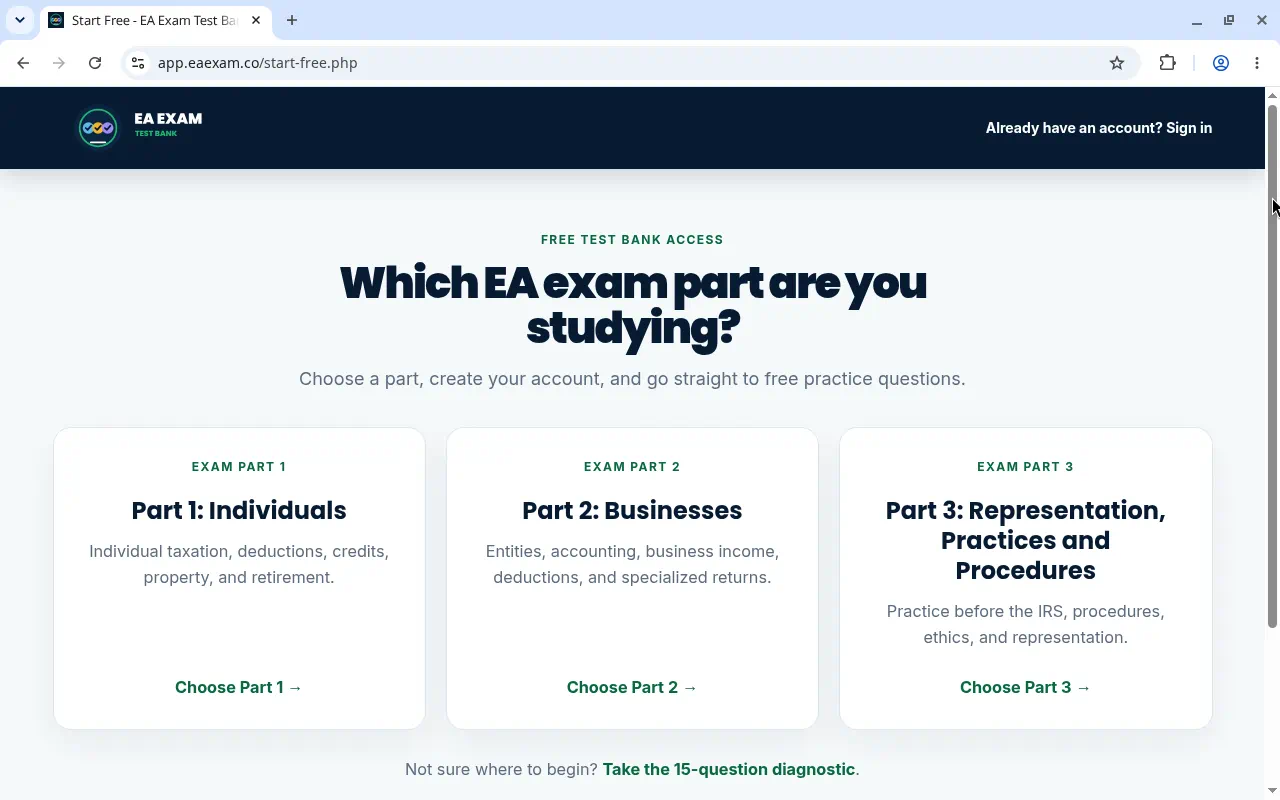
Part chooser with Choose Part 1, Choose Part 2, and Choose Part 3.
The part chooser. Choose Part 1, Part 2, or Part 3.

Part 1 · Part 2 · Part 3

All captured study screens