Study mode
Scenario Companion Guide
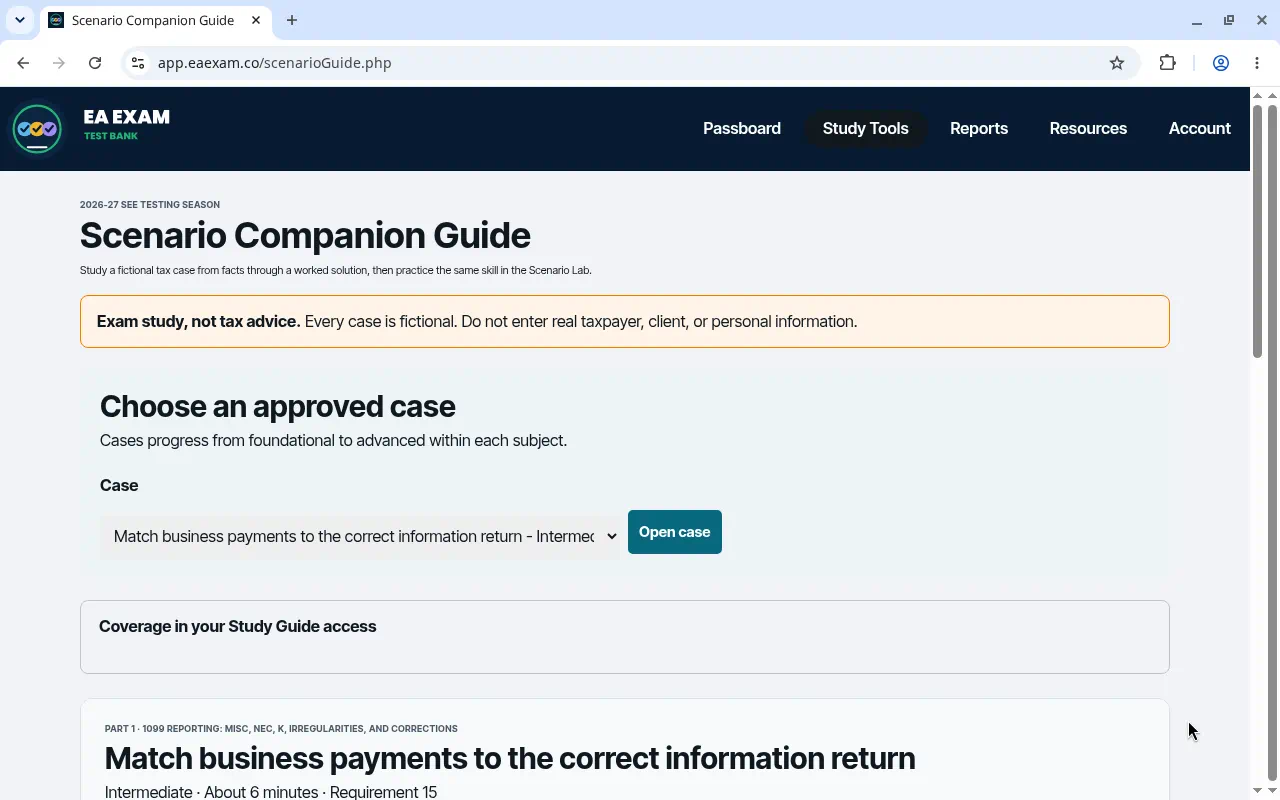
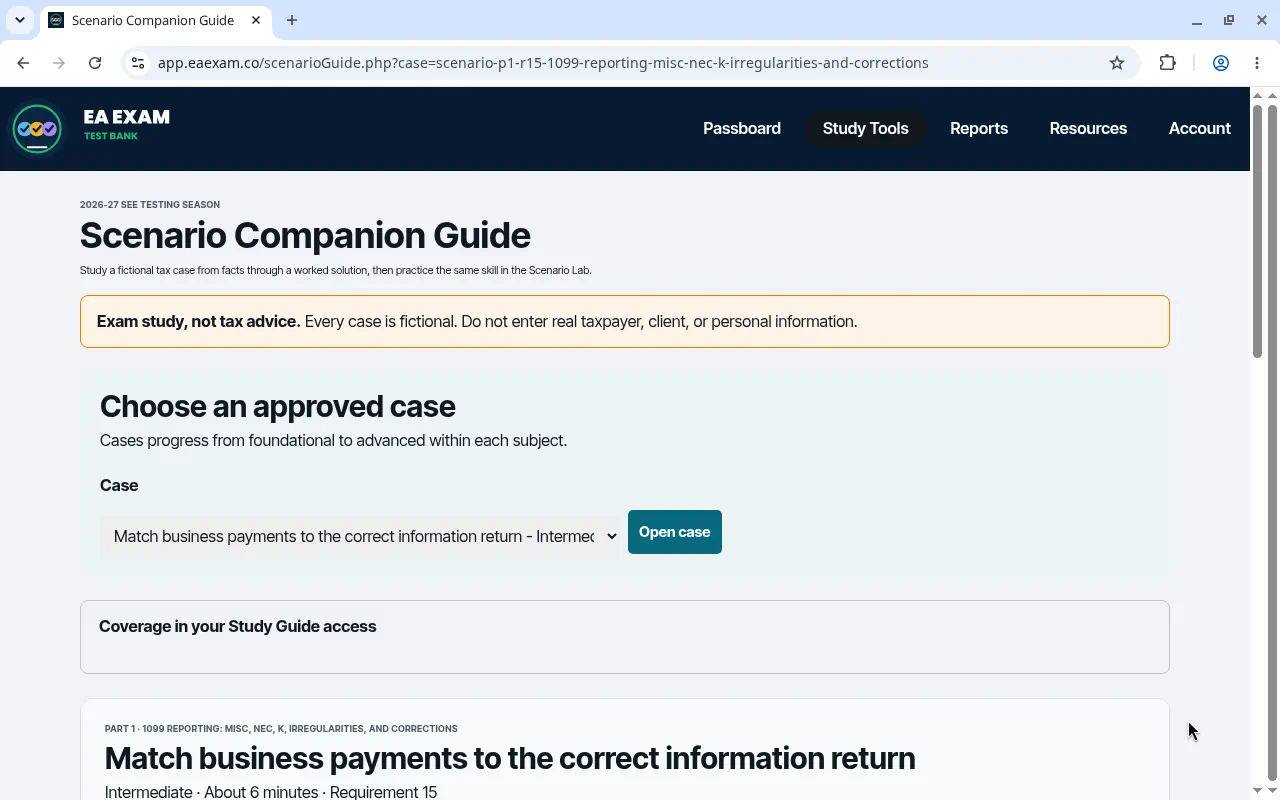
The Scenario Companion Guide opens on a list of approved cases. Choose one, then use Open case.
What the screen shows
- Open the Scenario Companion Guide.
- Choose an approved case from the menu.
- Choose Open case.
These two screens are the case list. They do not show the case itself.
Open the Scenario Companion Guide