Study mode
Study Guide
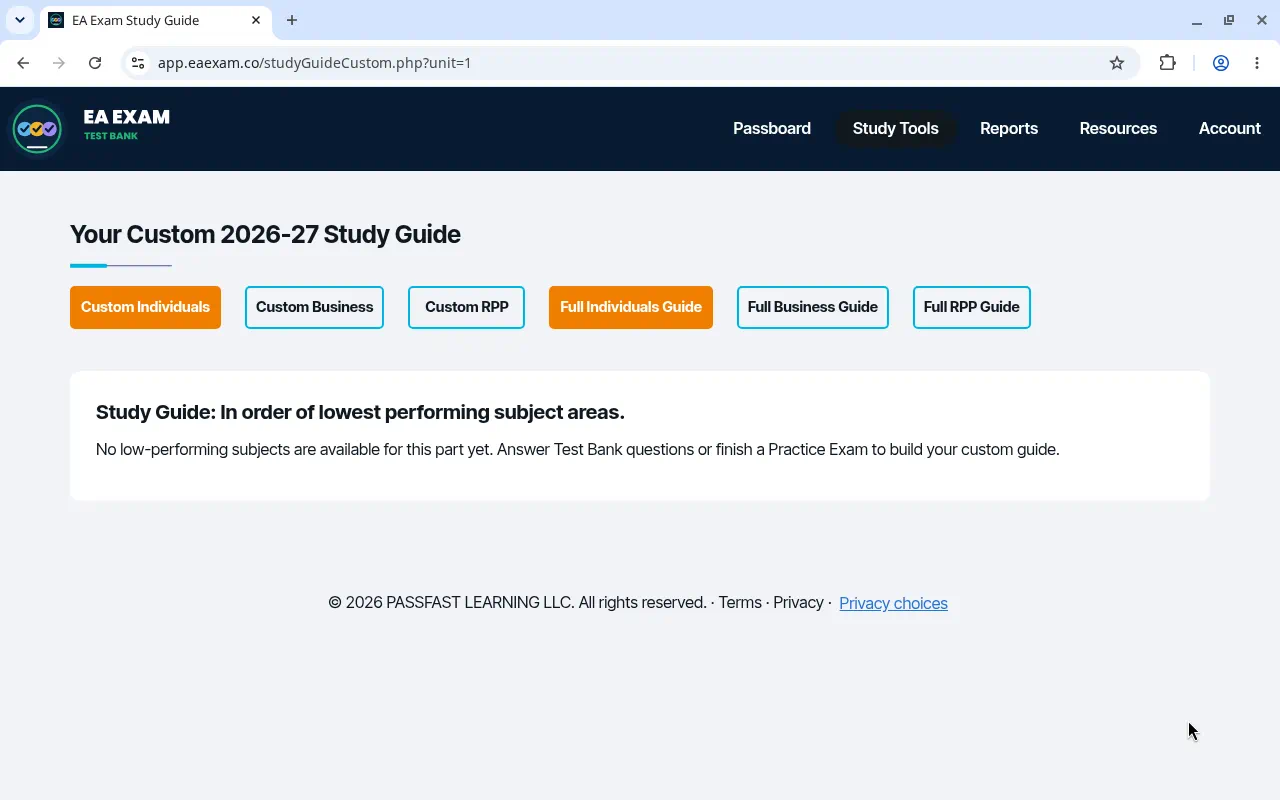
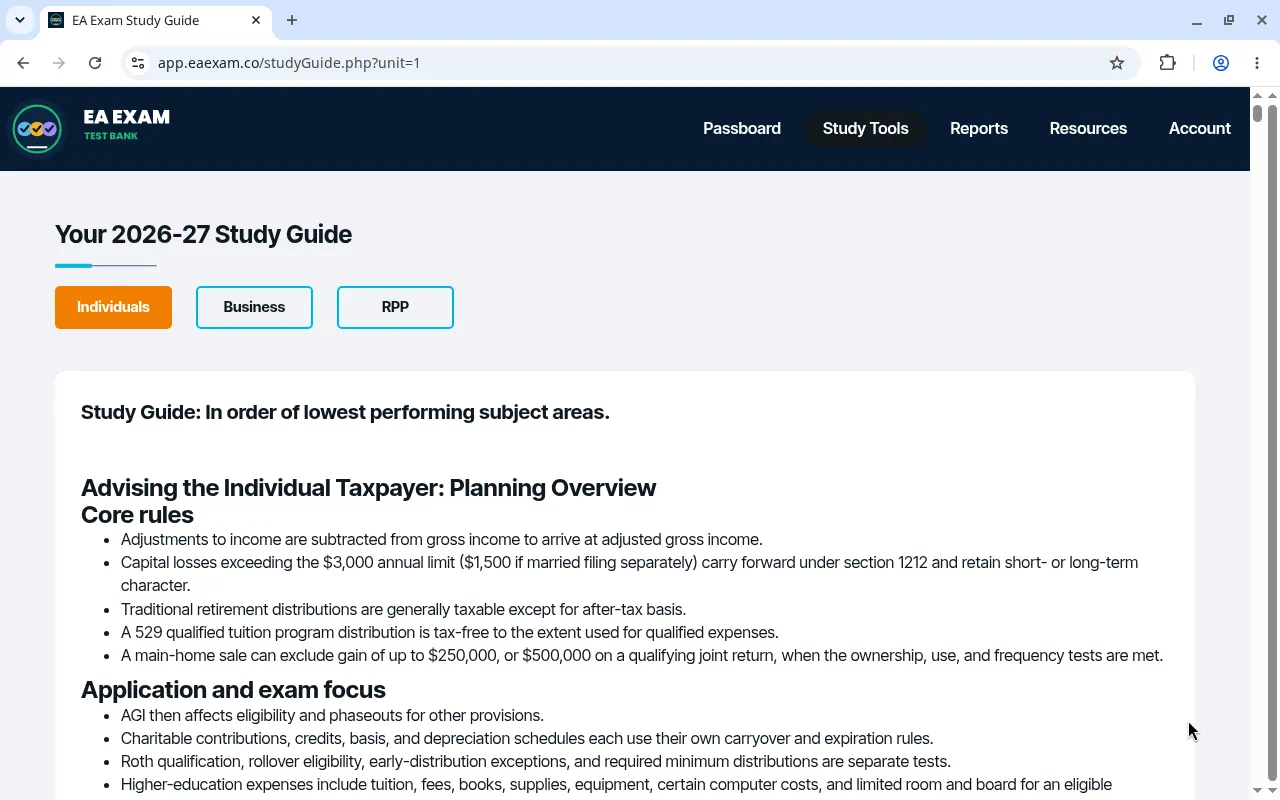
The Study Guide opens on part buttons for a custom guide or a full guide. Read the guide for the part you select.
What the screen shows
- Open the Study Guide.
- Choose a part button: Custom or Full, for Individuals, Business, or RPP.
- Read the guide that opens. If no lowest performing subjects are available yet, the custom screen says to answer Test Bank questions or finish a Practice Exam first.